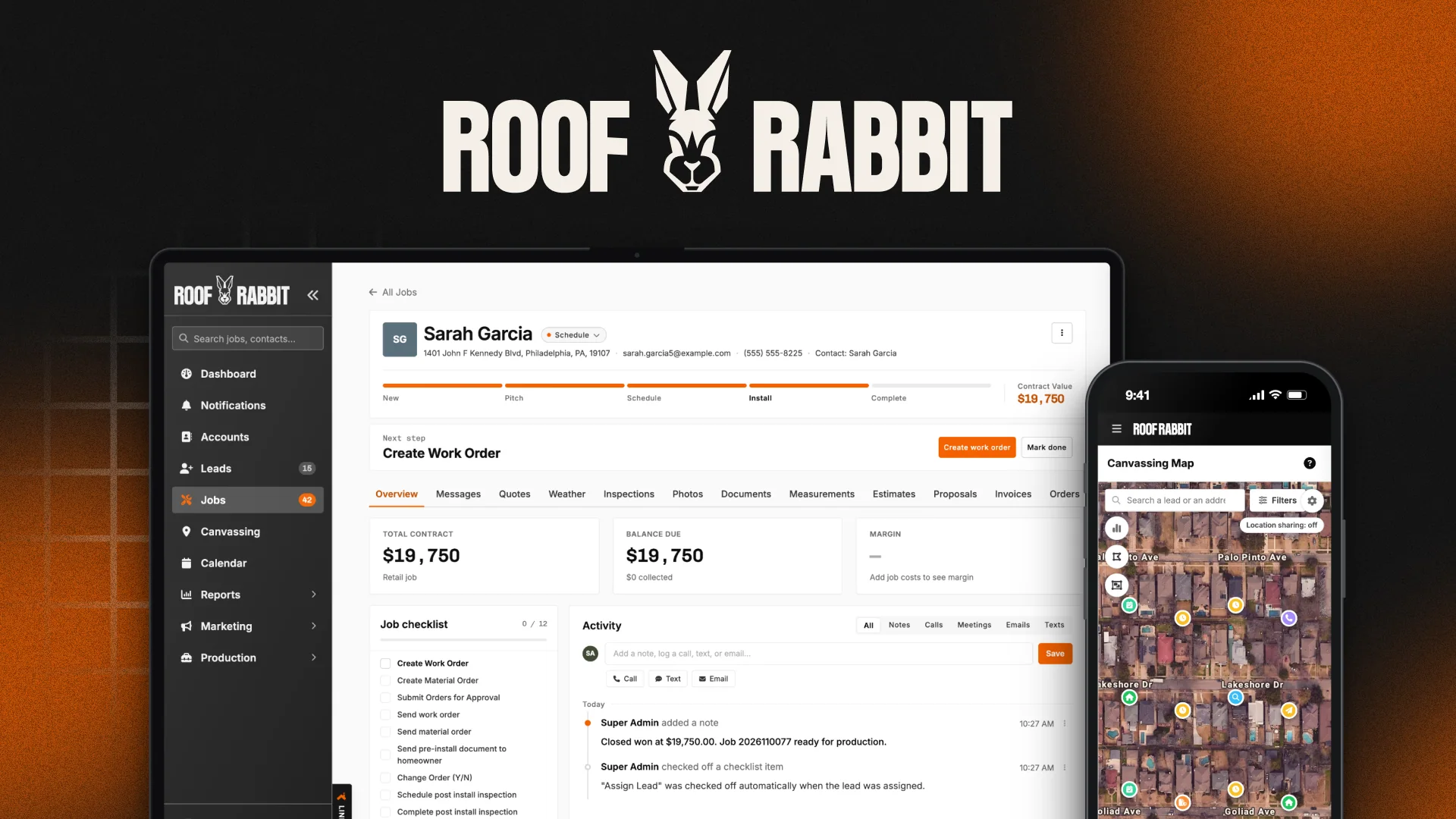
In July I had never pushed production code. Three months later I was designing and shipping a new roofing CRM in code, alongside our engineers and a team of AI agents.
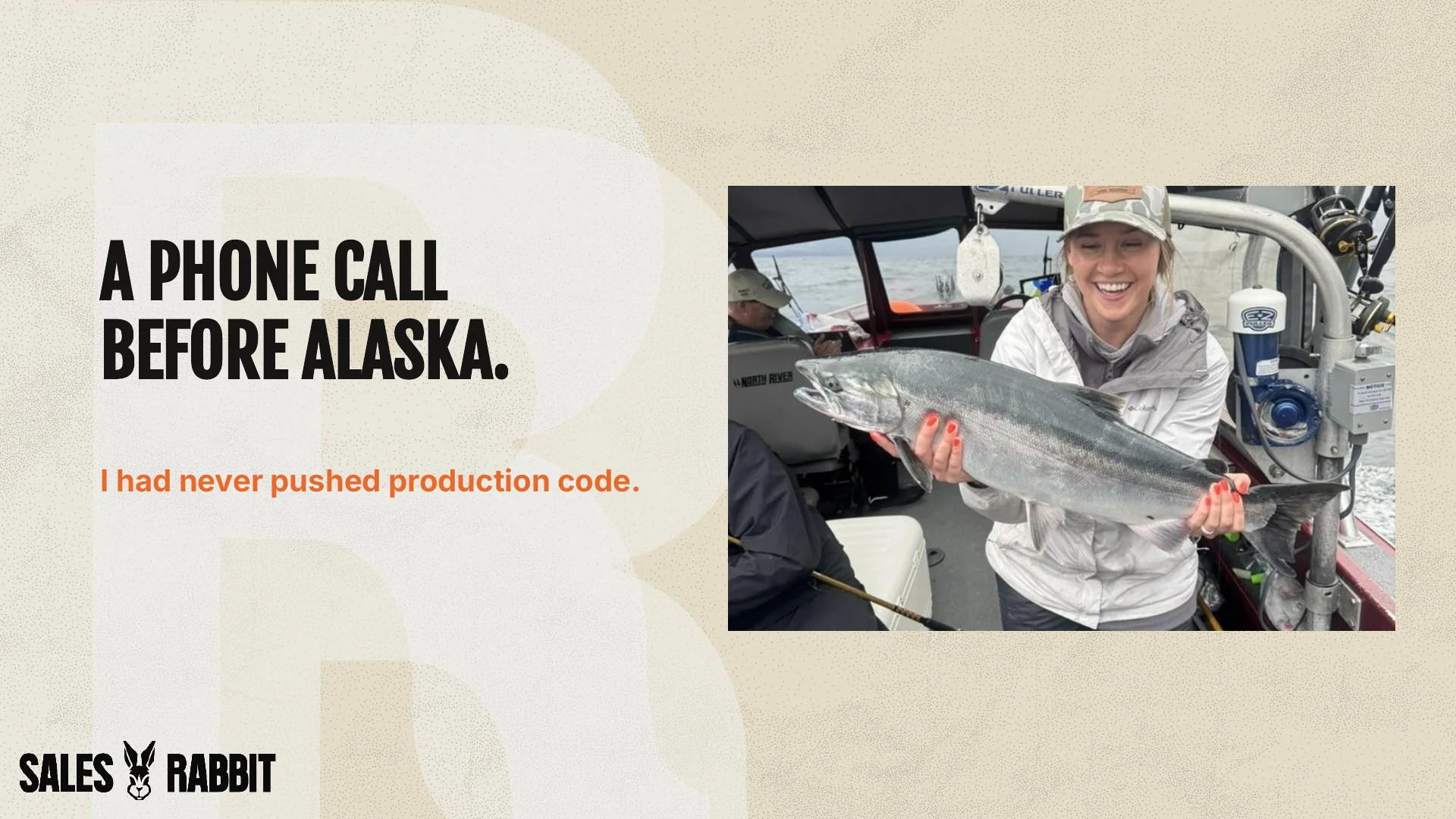
A phone call before Alaska.
Our CTO called me the day before I left for Alaska. We had one week to make a go/no-go call on a new platform, and he gave me all the authority I needed to fix the experience.
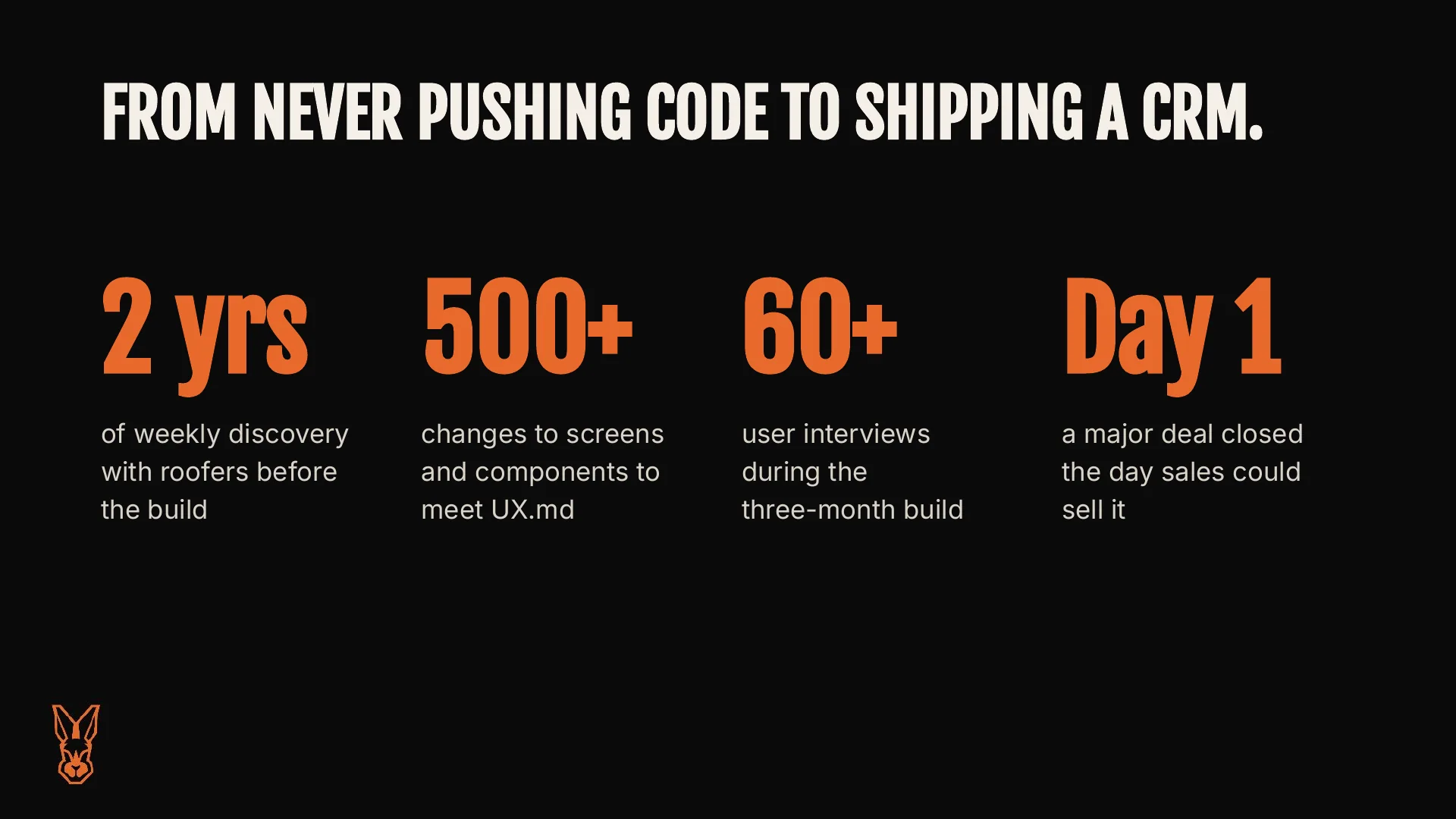
I was excited, a little annoyed, and nervous, but mostly excited. I was able to hit the ground running because I had spent almost two years, three hours every week, with roofers, conducting discovery and testing shelf-ready solutions for our legacy CRM. That data allowed me to move fast without risky assumptions, and continuous discovery is still a large part of how I work today.
Earlier that year I had also stepped into the agentic design lead role and rebuilt our design system to work with AI. I had never pushed production code.
Halibut by day, pull requests by night.
The trip had been planned for two years, and I didn’t want to miss it or the build. So I got access to GitLab and the codebase, and the instruction I was given was simple: tell Claude to figure it out.
Every morning I sent an agent off to work on its own. Then I went fishing. At night I reviewed what it had done, pushed back or pushed forward, and let it work while I slept.
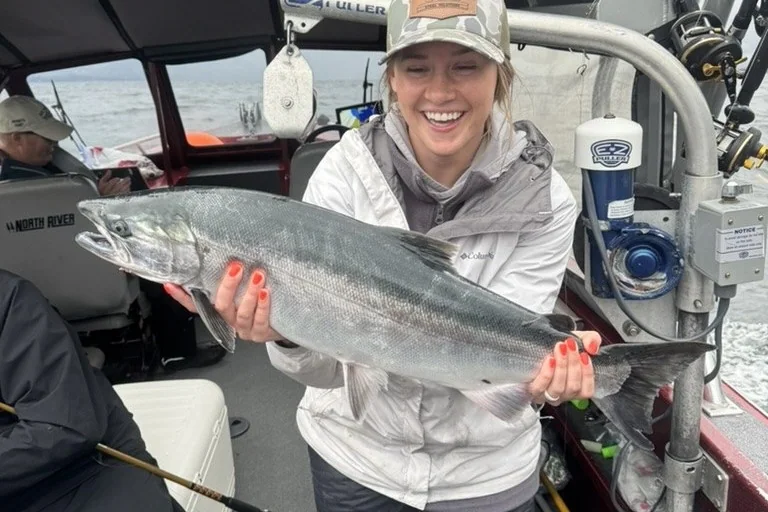
We got the yes. When I got home I had one week to get it ready for our internal brand launch in front of the whole company.
A pretty basic toolkit.
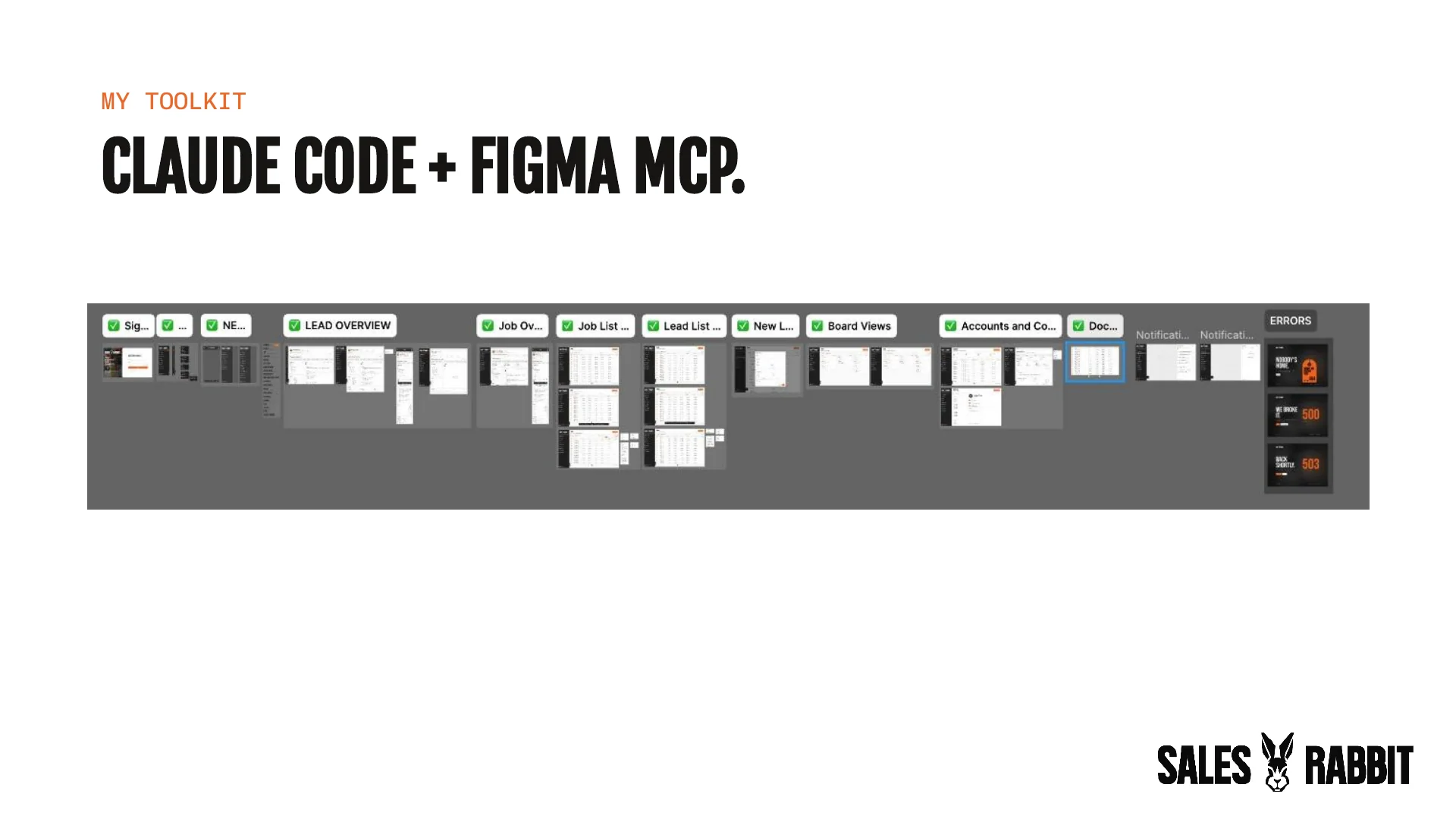
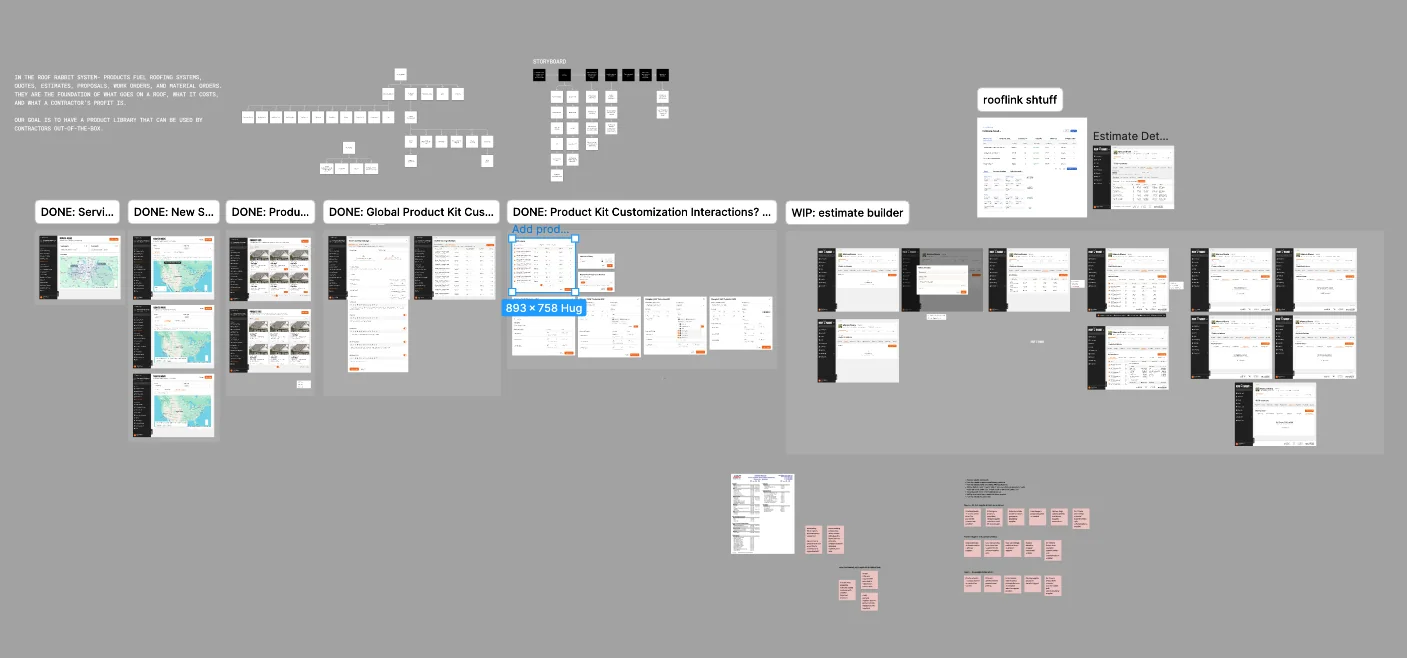
My flow was pretty basic: Claude Code and the Figma MCP. I designed in Figma, and Claude Code read the frames through the MCP and built them in our codebase. It was faster than prompting my way to something that worked, because the decisions were already made in the design.

Starting with what roofers do.
There’s a Don Norman line I come back to a lot: “I don’t care about what they say, I care about what they do.” So before I designed anything, I looked at behavior. That meant two years of weekly sessions with roofers, discovery calls with every new design partner, a 48-person survey, and our analyst’s task data from the legacy app. It didn’t stop once we started building, either. I ran 60+ user interviews during the three-month build.
The patterns were clear. Roofers made a second estimate just to attach photos, and set extra estimates to $1 so their reports stayed right. Estimating was the biggest time sink in the survey. In the legacy app, when someone failed to finish an estimate, 80% of those jobs sat idle. They didn’t leave the software. They just worked around it.
How a job moves.
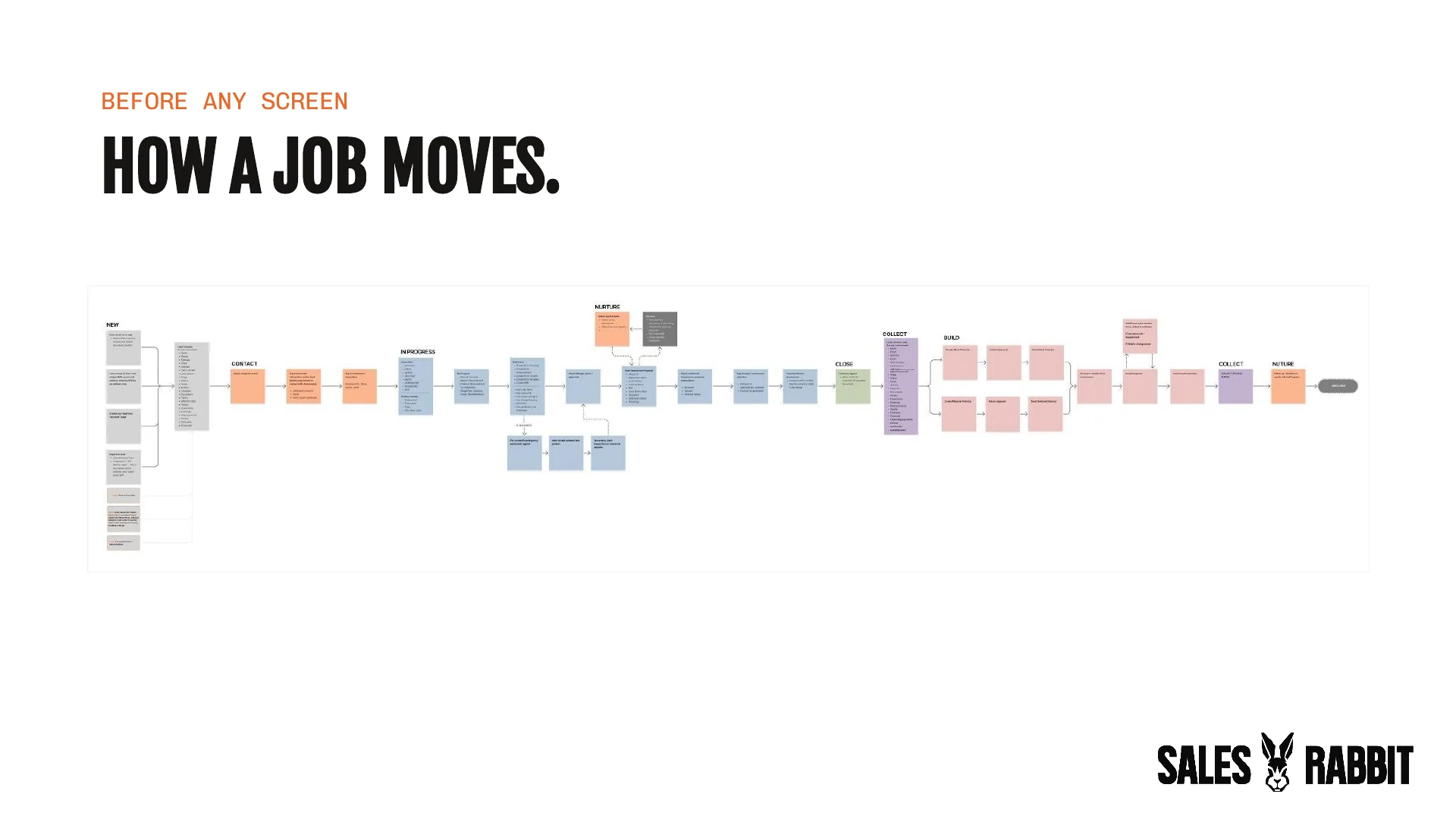
We were moving fast, and I pushed for a few days to slow down anyway. Before anyone touched a screen, I wanted us to agree on three things: what we call things, how the information fits together beyond the menus, and how a job actually moves through the platform.
The glossary came first.
- Contact
- The homeowner. Leads, jobs, and addresses all live under them.
- Lead
- A potential sale in progress.
- Job
- A lead with a signed contract.
- Stage
- Where the lead or job stands. Parent to statuses.
- Status
- What most recently happened on it.
- Estimate
- The backbone of a job: line items, discounts, change orders, and margin in one place.
- Proposal
- What the homeowner sees, explores, and picks options from.
- Photos
- Not documents. (This one was for engineers.)
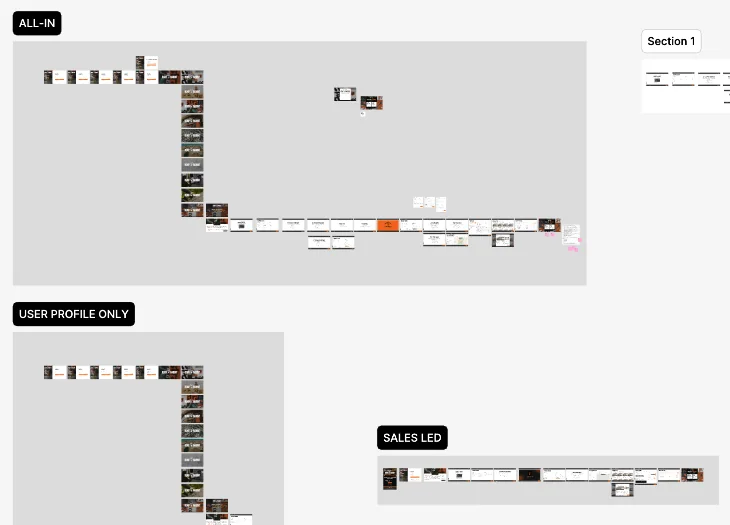
Then I mapped a job from the first knock to the referral: new, contact, in progress, nurture, close, collect, build, collect the second check, and nurture again. Insurance jobs branch off for the claim and the adjuster, and lost deals loop back to follow-up and win-back.
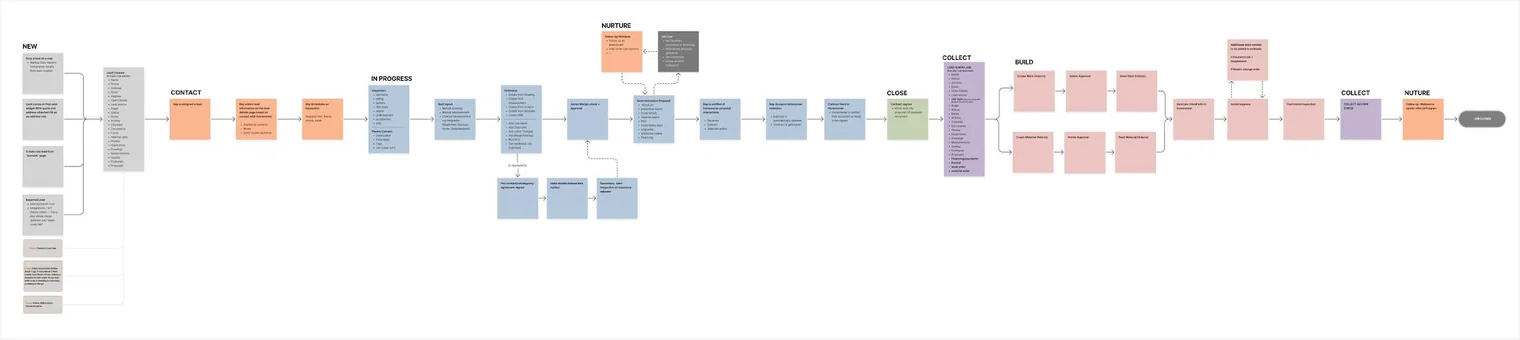
The navigation, the lead page, and the estimate builder all came out of that map.
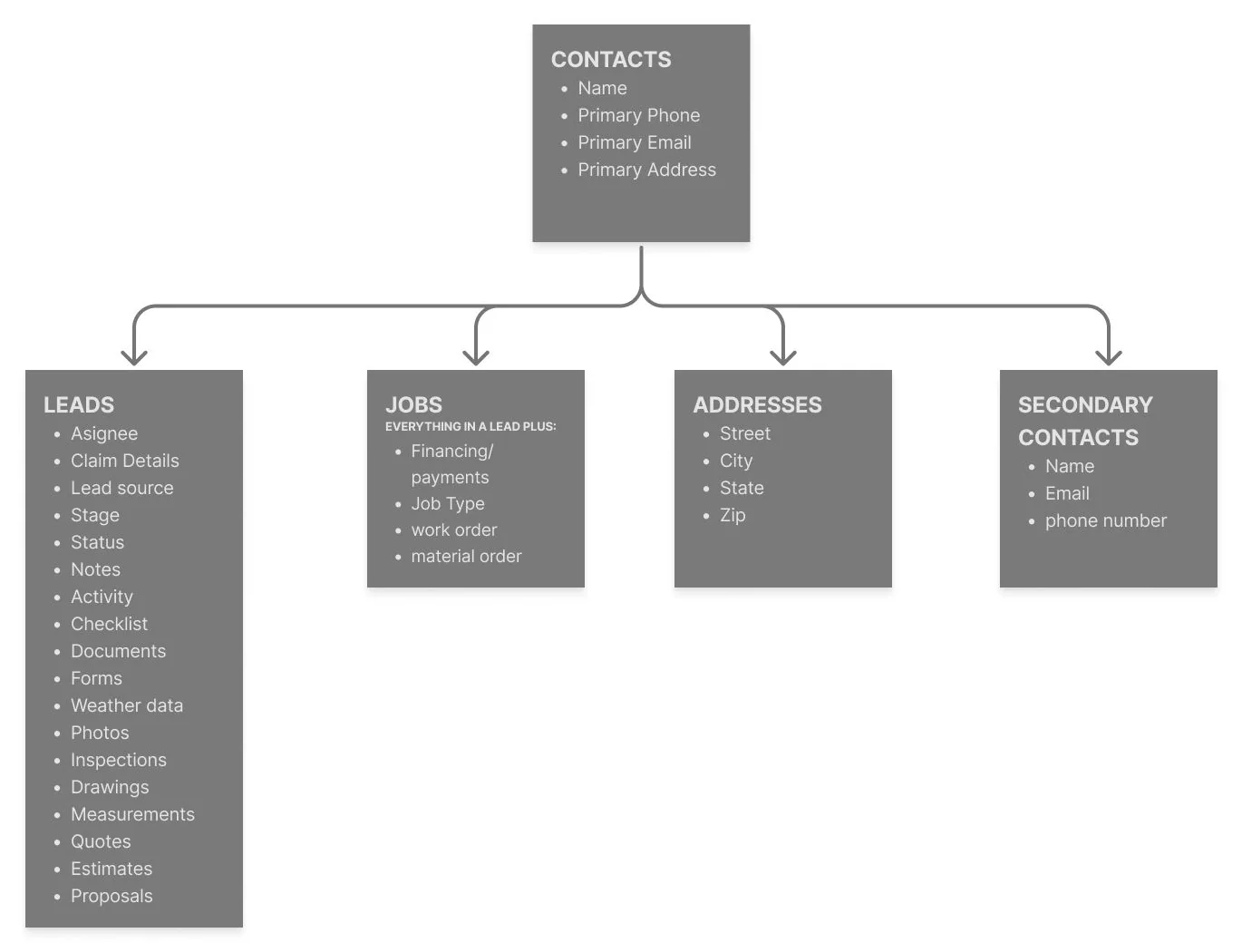
Fix the map before it sets.
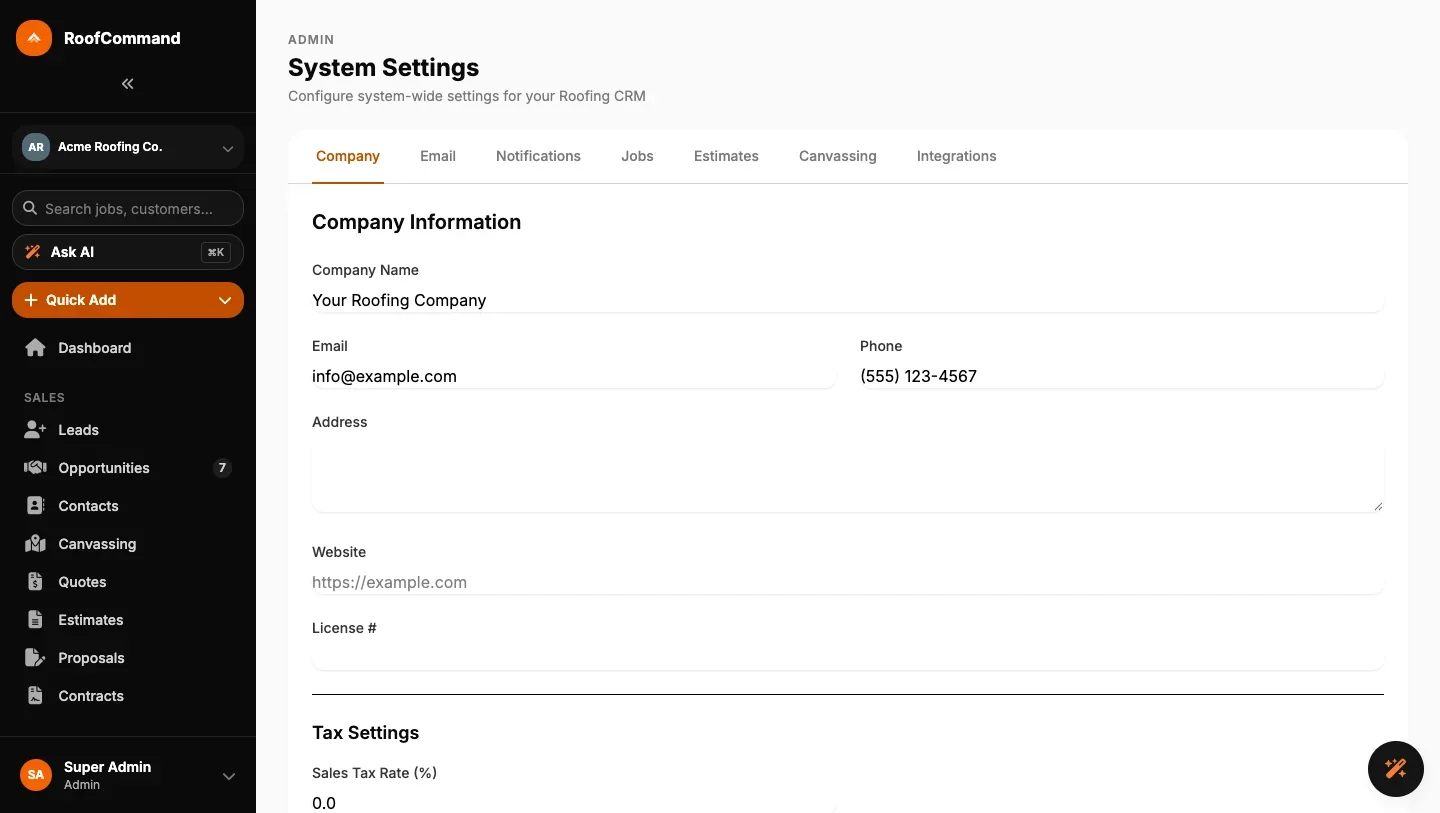
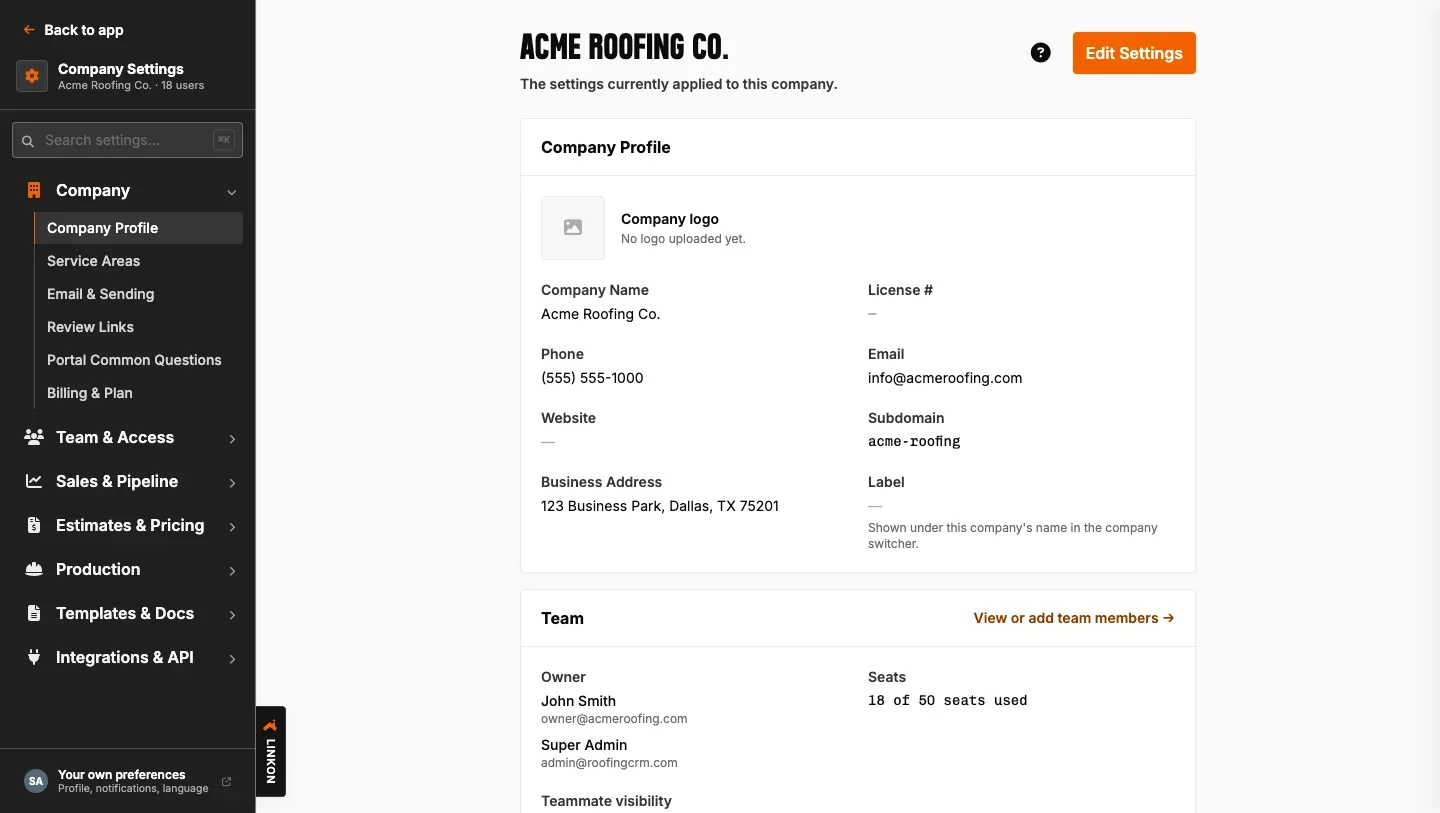
The visuals were the easy win. The real work was the information architecture. Roofers carry a lot of tools, and not just in the truck, and the app felt scary and unorganized. I put in more than 36 hours over four days to reorganize the navigation and page headers before the structure could set. Once a bad IA ships, simplifying it becomes a change-management fight.
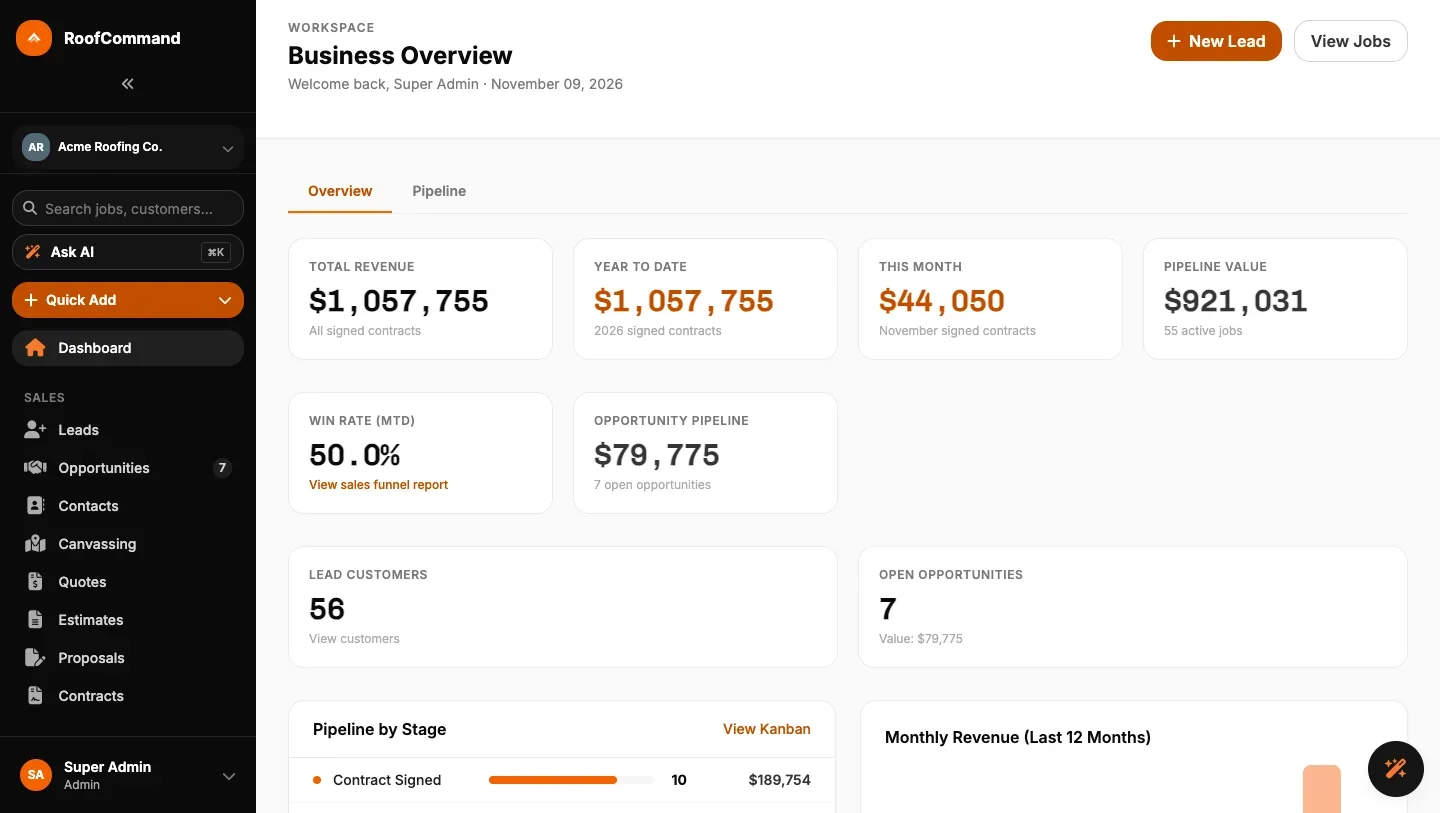
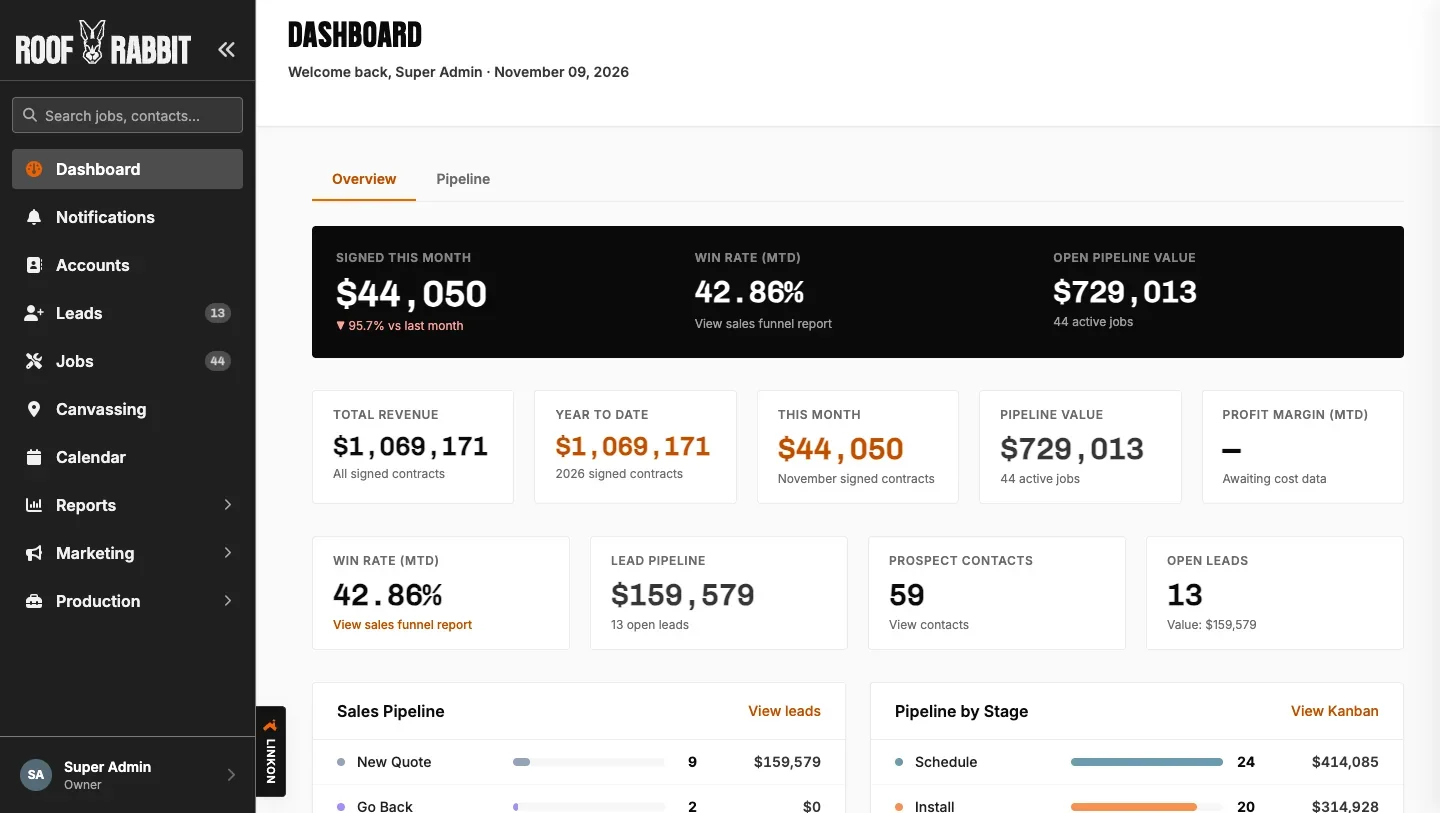
Pave the potholes.
I wanted to simplify roofers’ tech stack. Every time I tested a north-star concept, contractors pulled me back to the road they drive every day:
“Cool, but can I upload more than 20 pictures at once?”
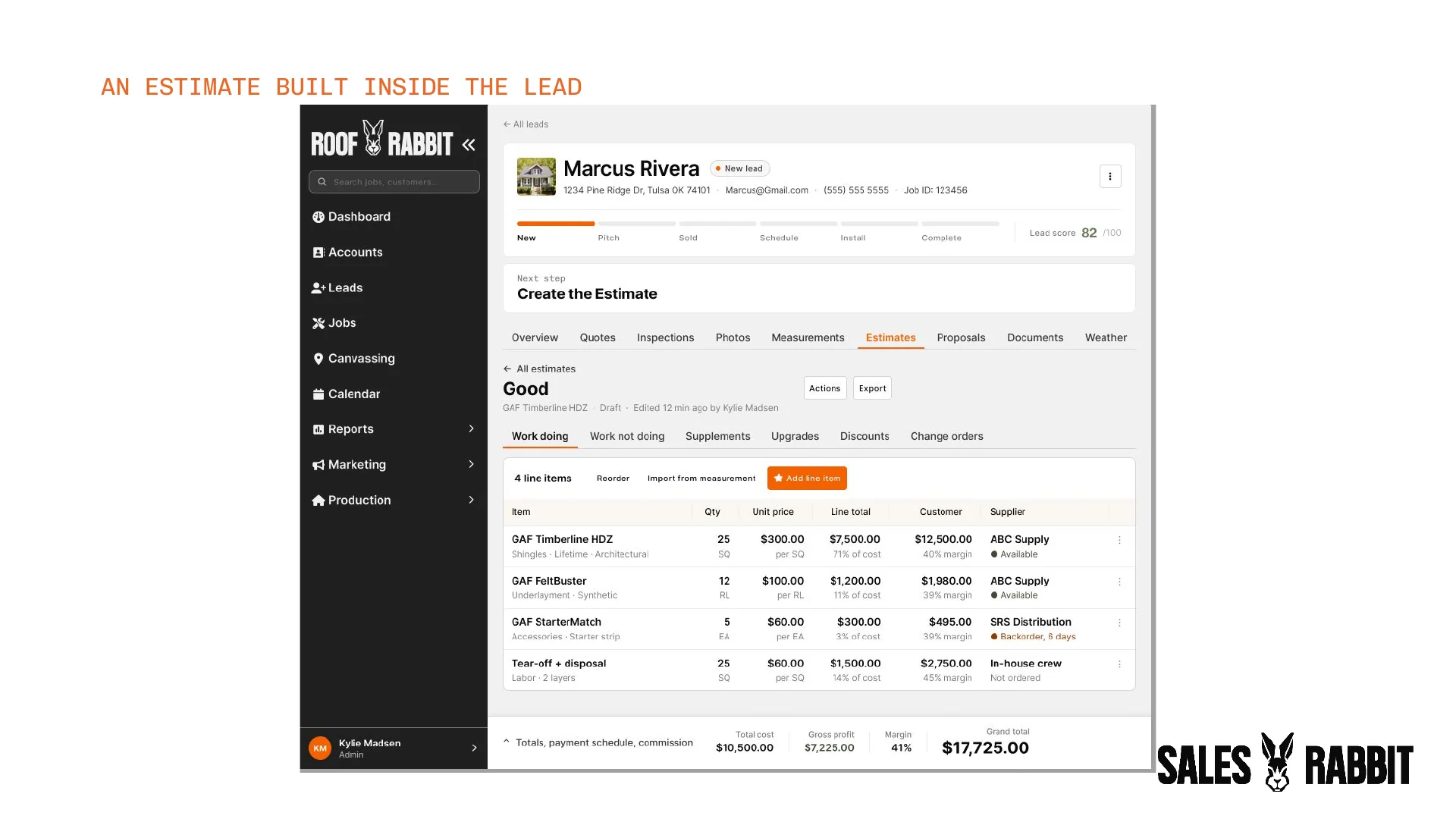
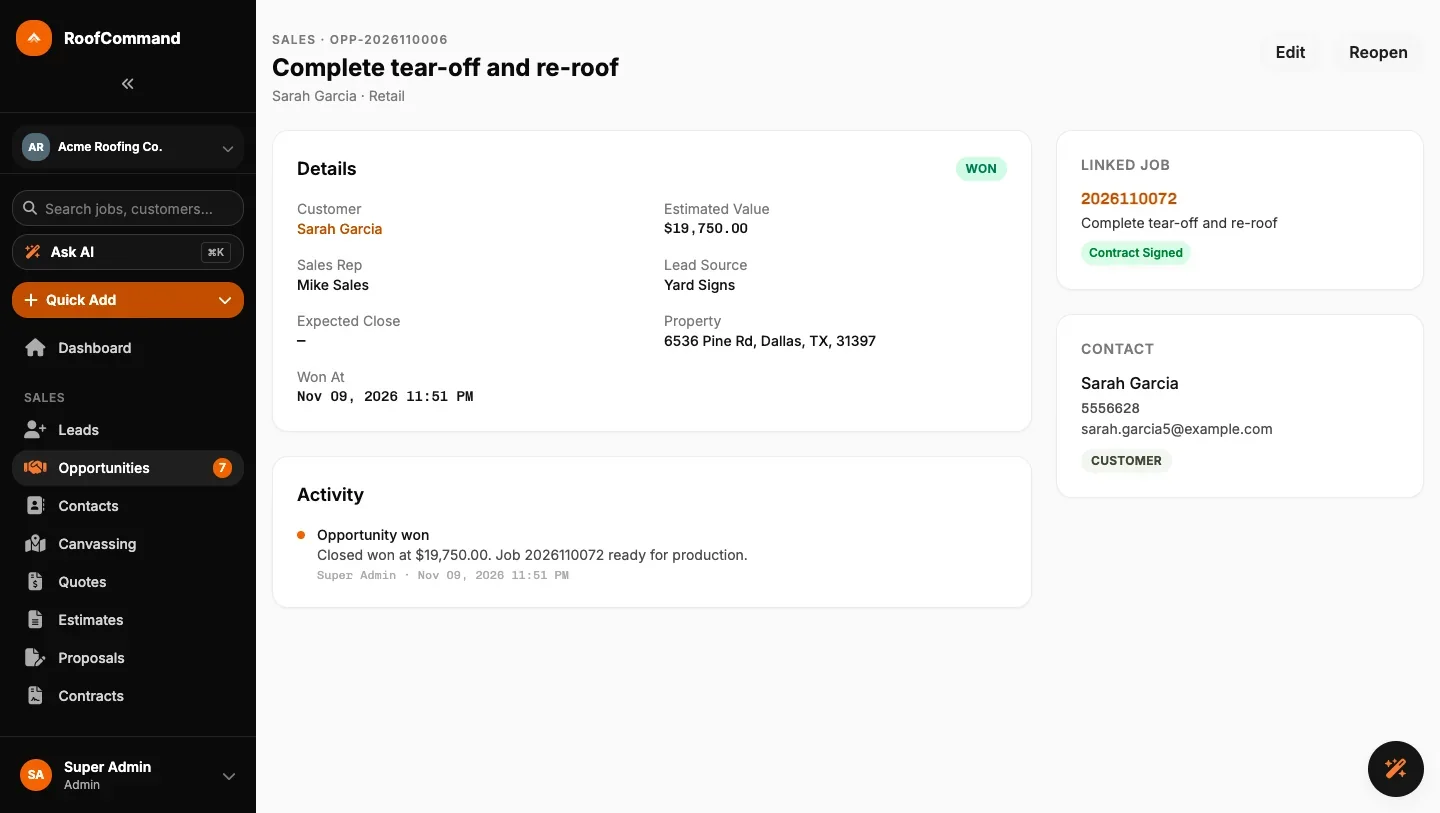
So that’s what I designed for. Opportunities became Leads that live under an Account, so a rep can close the roof, lose the siding, and keep the customer. Every lead got one page with where the sale stands and what’s next, and estimates moved into the lead, where the rep is already working.
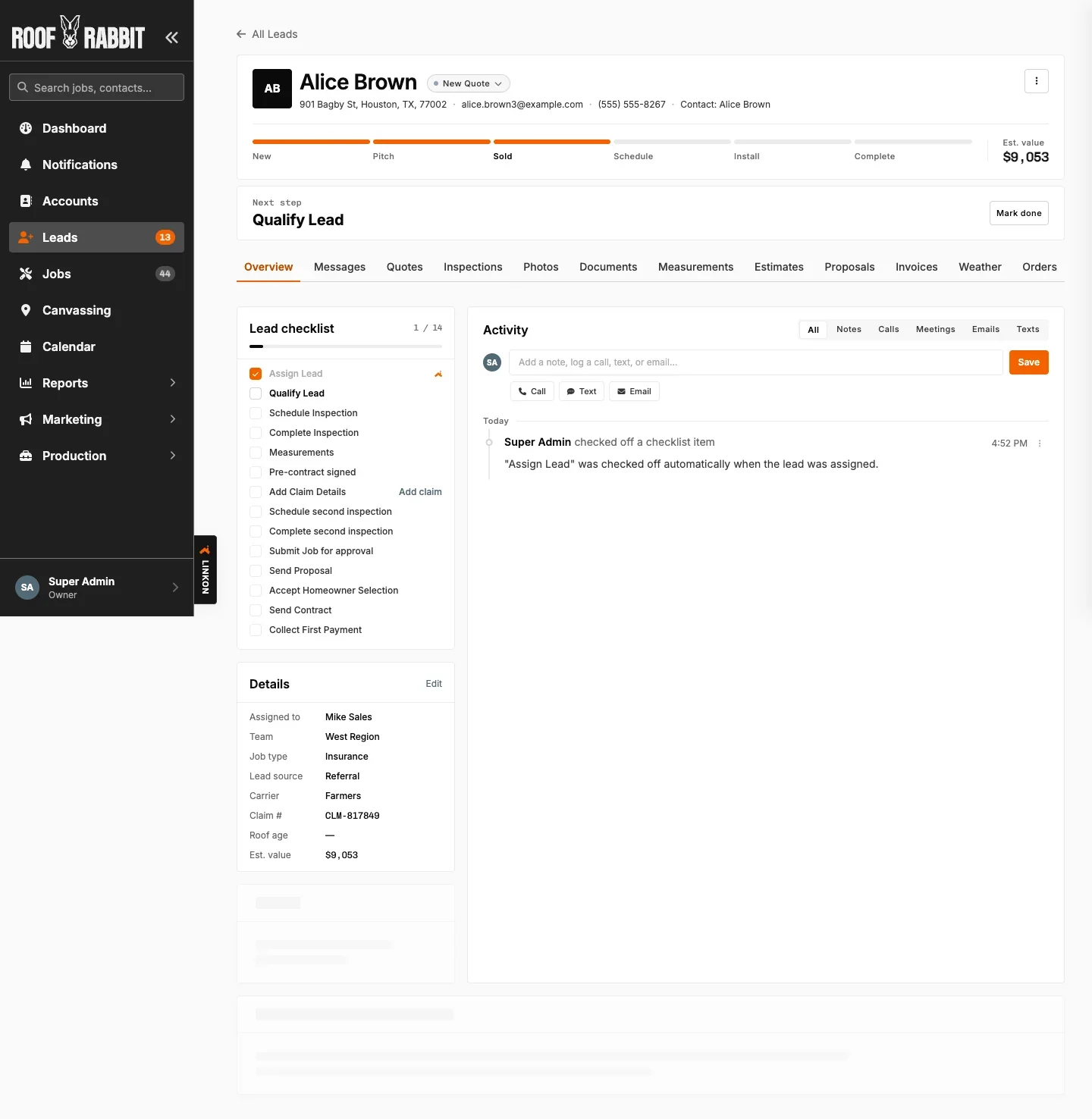
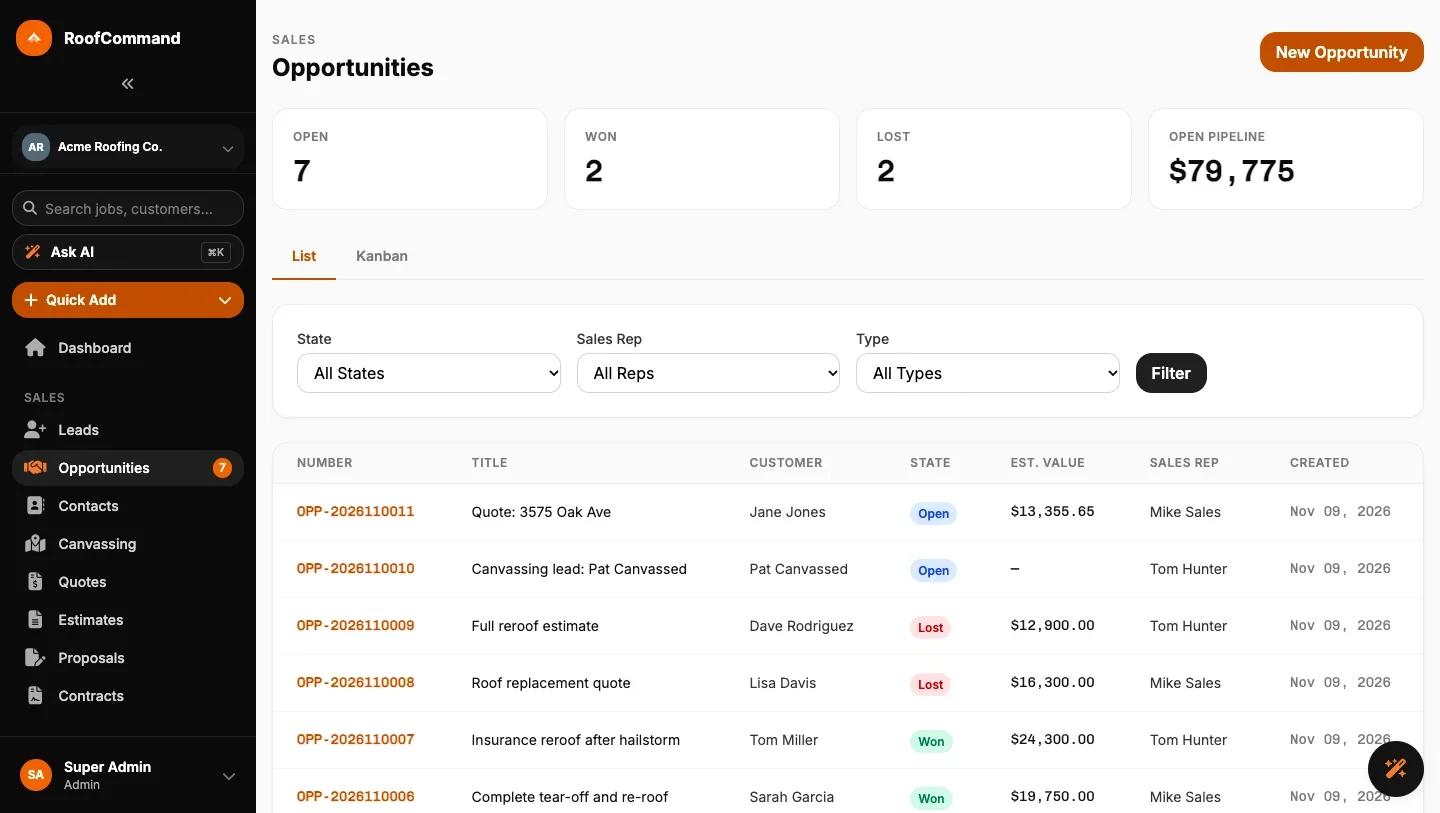
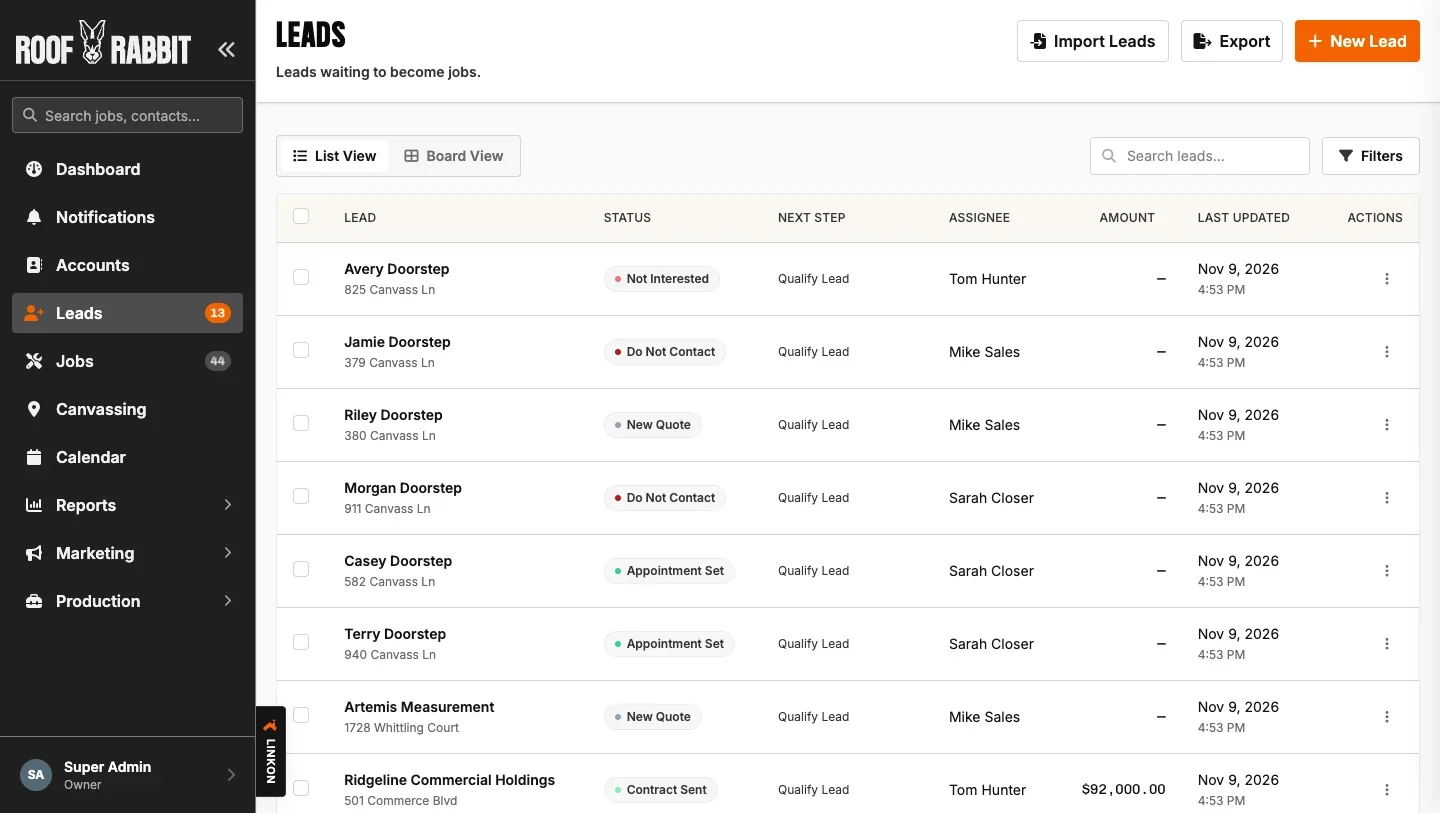
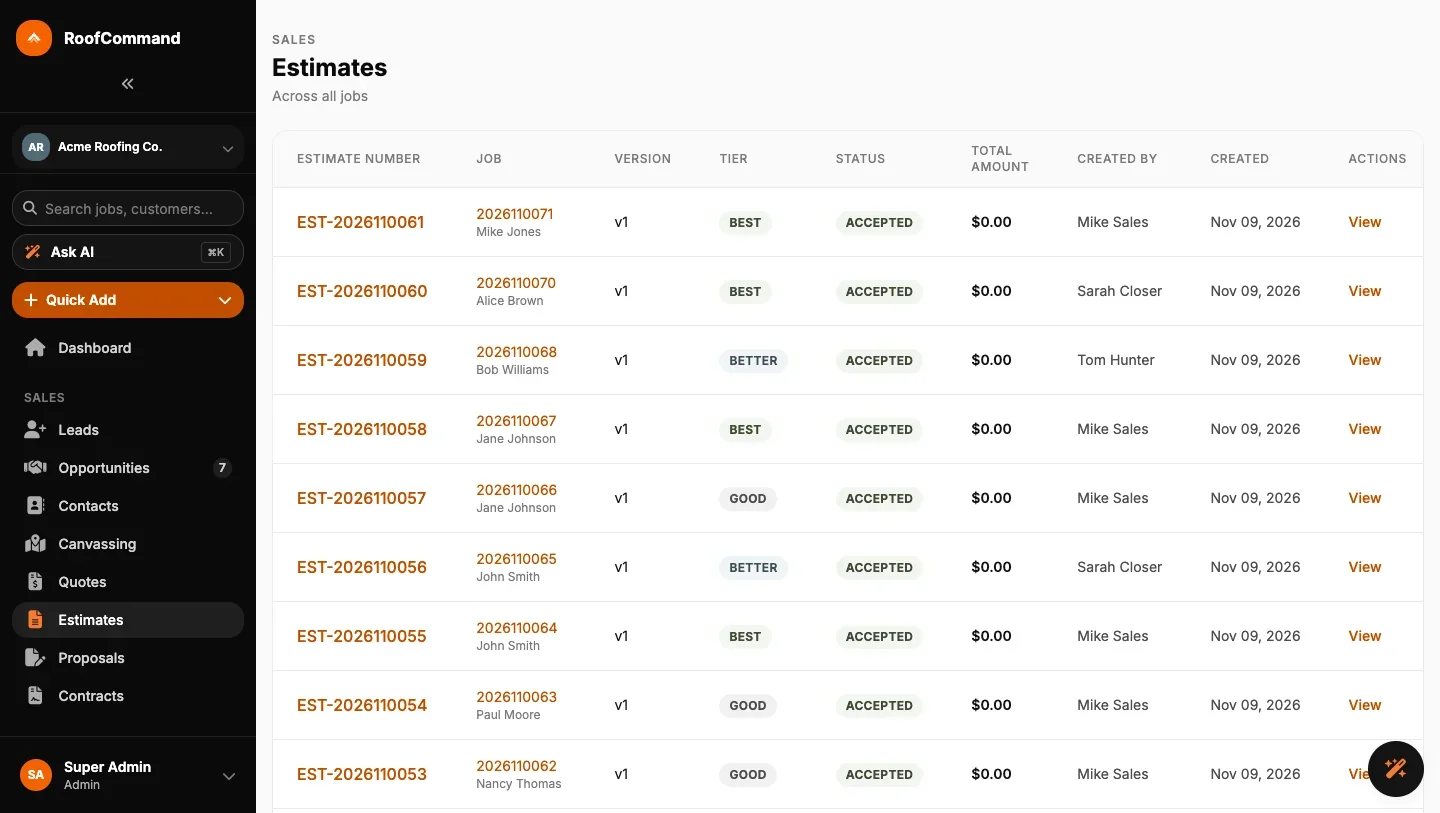
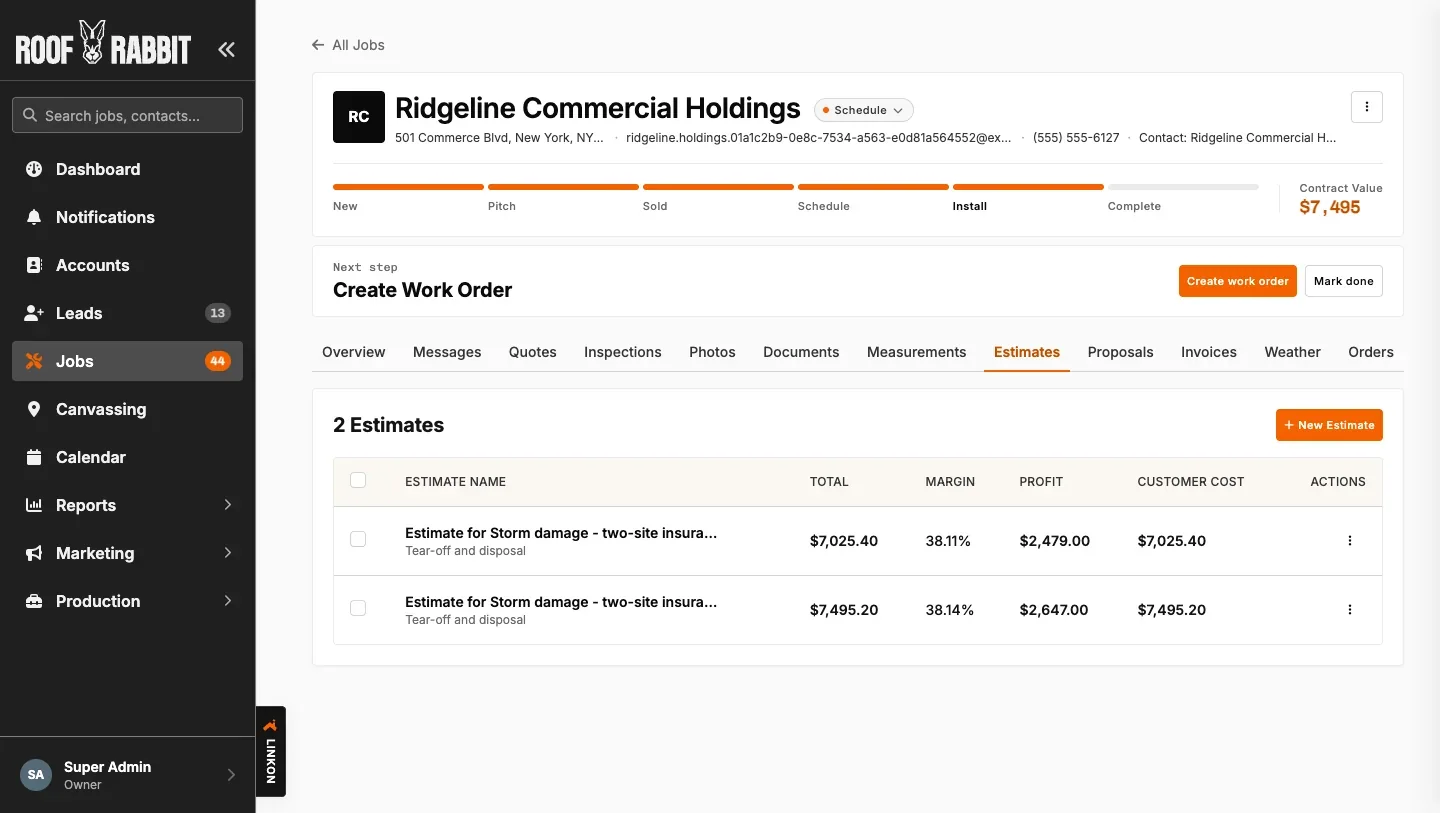
On one discovery call, a contractor told us he paid hundreds of dollars for separate photo software just to put a timestamp and location on every photo. I built it while he was talking and showed him at the end of the call. “Exactly. That’s amazing. Can it go on an inspection?” It could. He said it was the last thing he needed to get off the other software.
UX.md
The night before a trade show, Send quote stopped working in our demo. The button was hidden whenever a contact had no email address. I confirmed it with an engineer and wrote the rule that night: never hide a control. Ask for what’s missing, then finish the action.
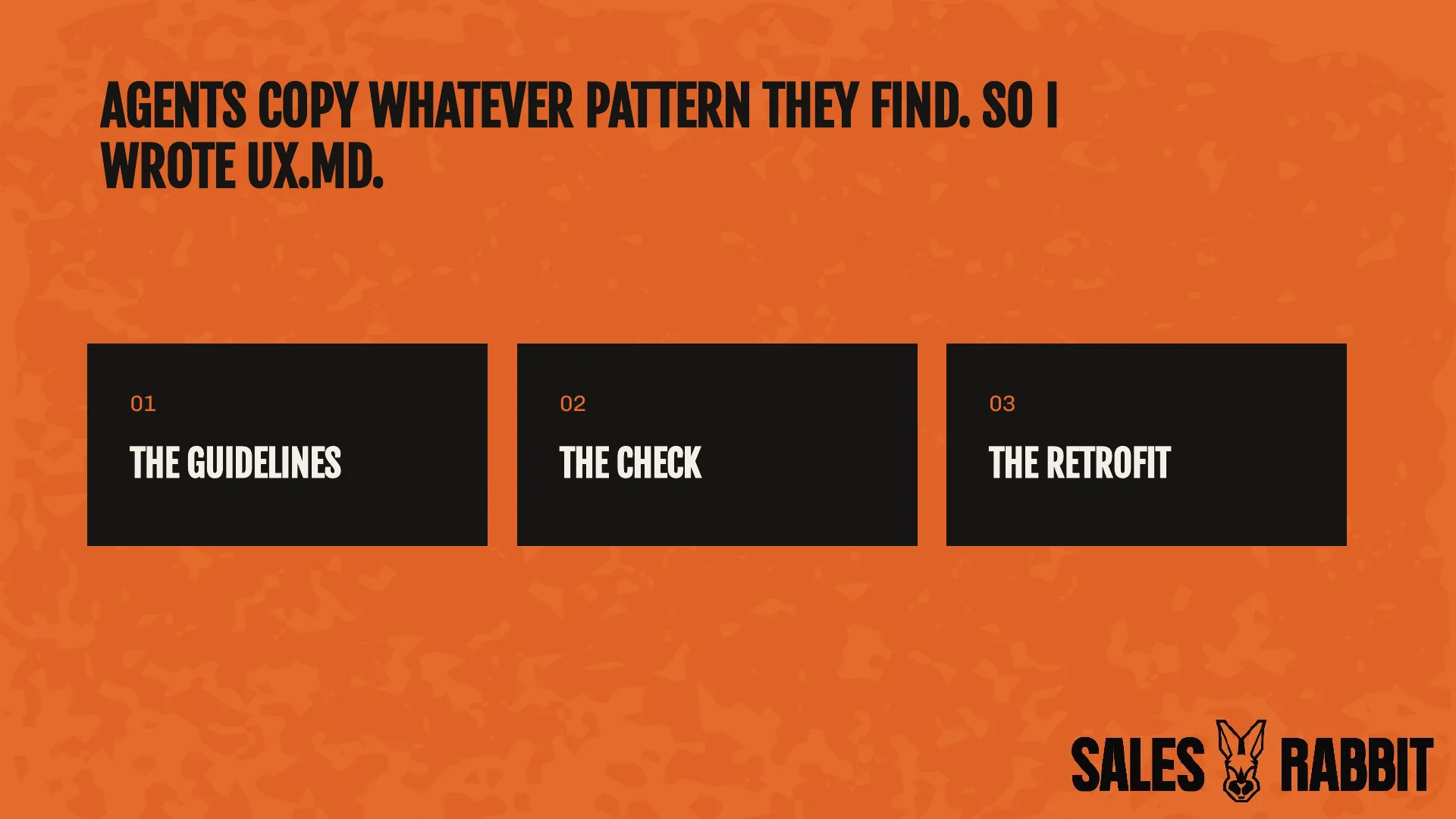
Then I saw the bigger problem. Engineers and agents were shipping all day, and agents copy whatever pattern they find, good or bad. I couldn’t test every screen myself, so I made the rules part of the build. UX.md is ten sections of guidelines an agent can follow without guessing, with a check that fails the build when a change breaks one. Bringing the app up to it took 48 merges and more than 500 changes to screens and components.

Teaching systems thinking.
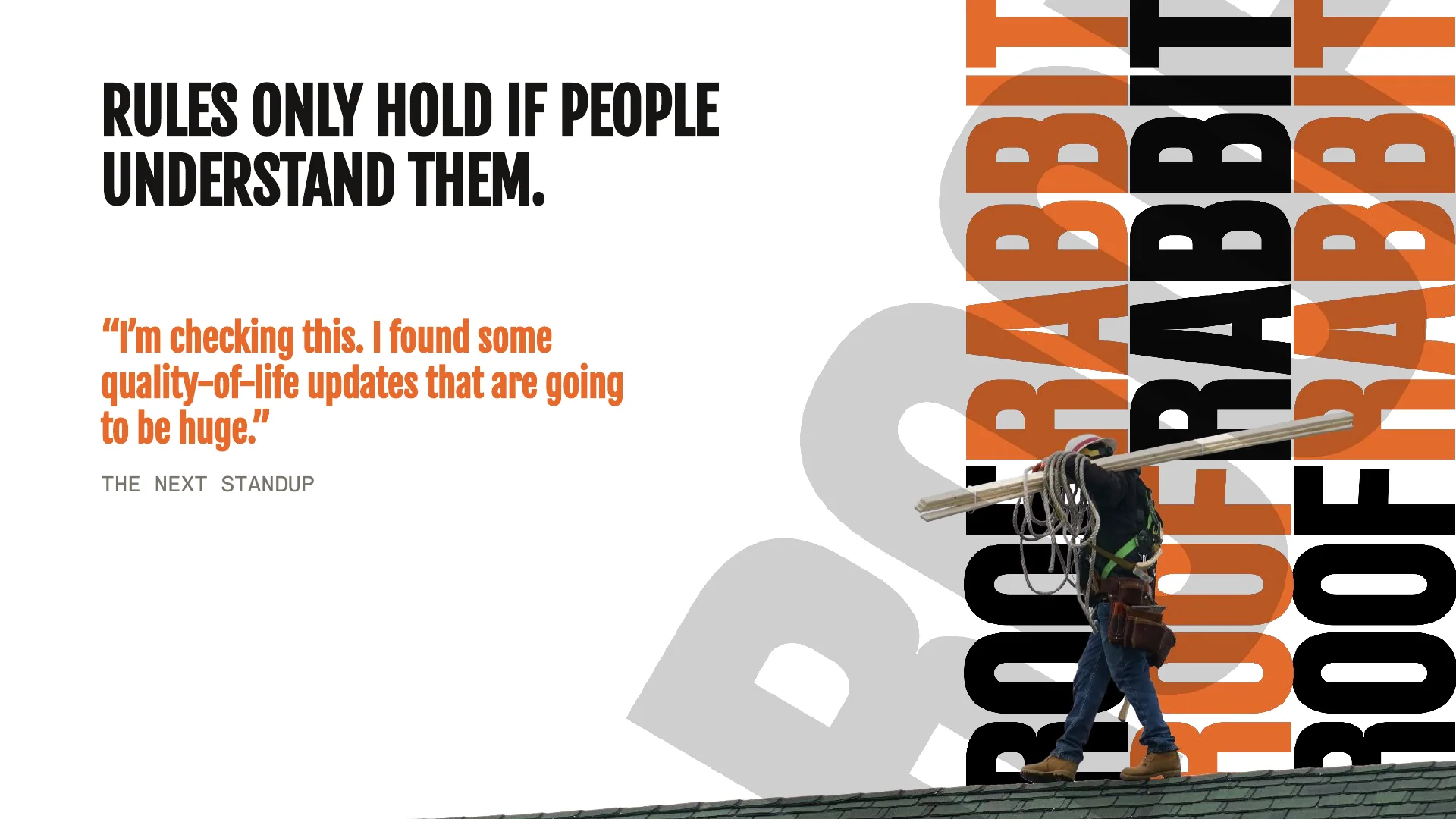
Rules only hold if people understand them. I gave a talk to engineering, Human-Centered Building, on discovery, design, and validation. At the next standup an engineer said, “I’m checking this. I found some quality-of-life updates that are going to be huge.”
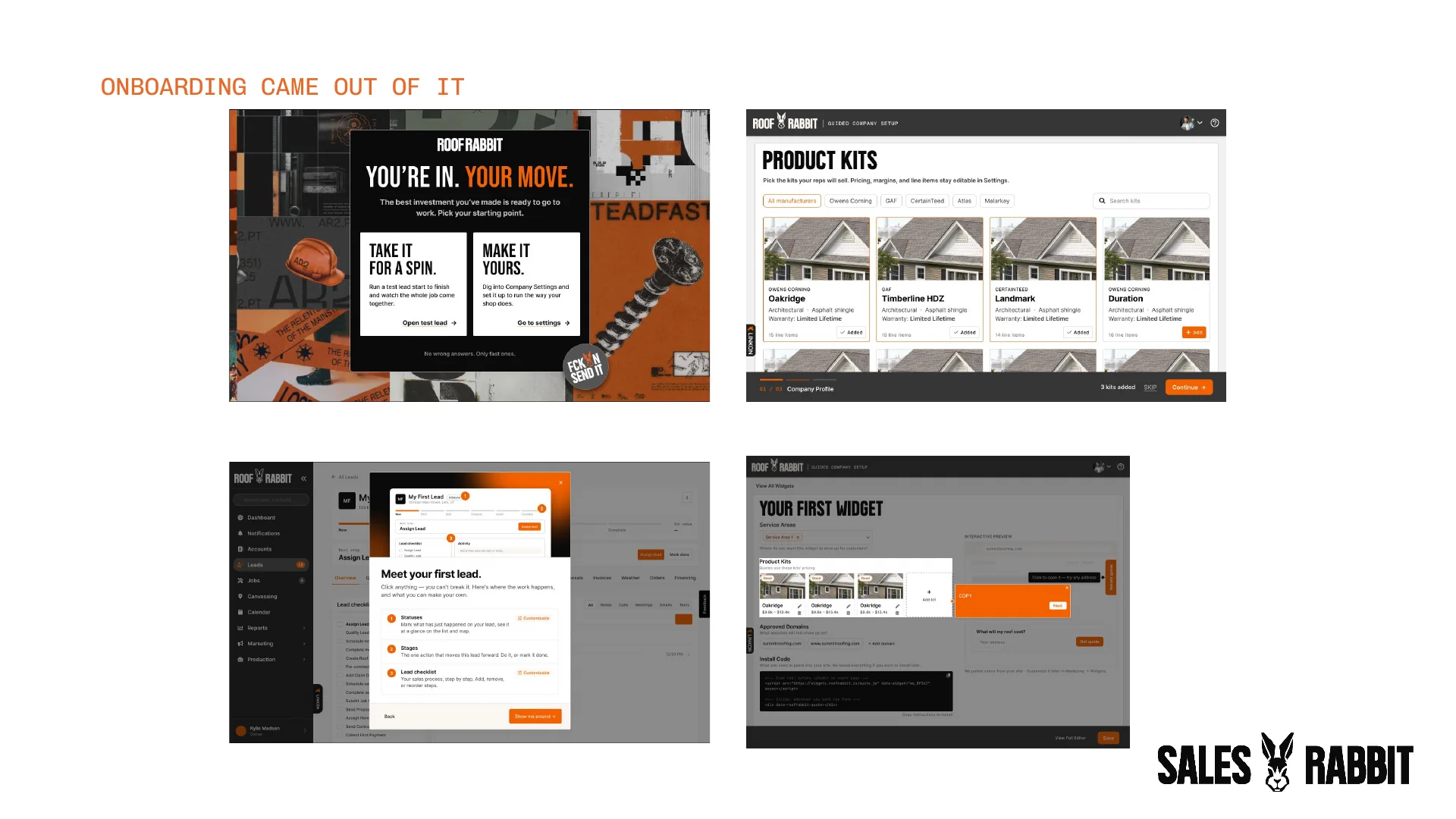
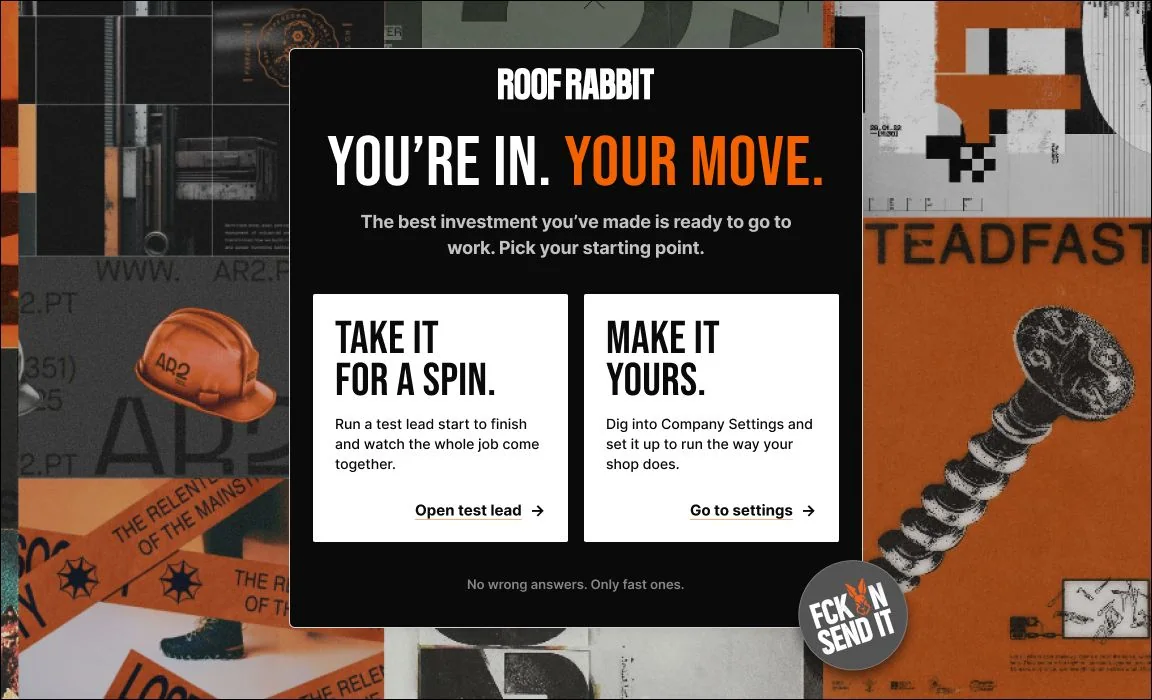
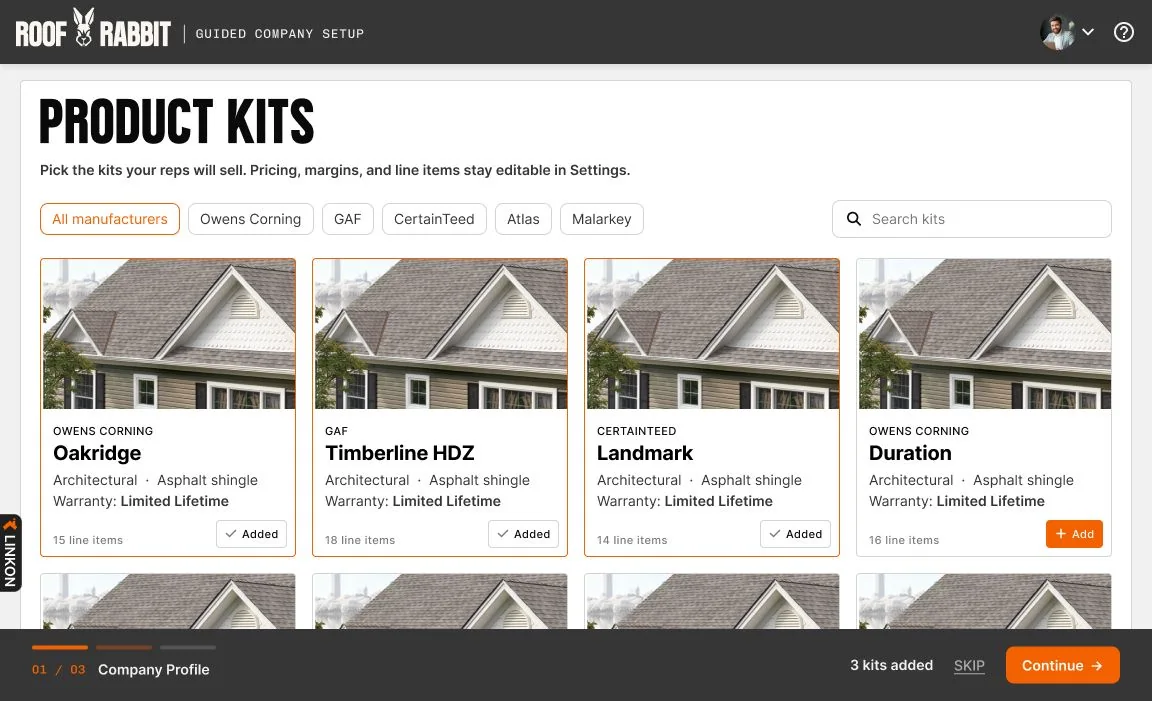
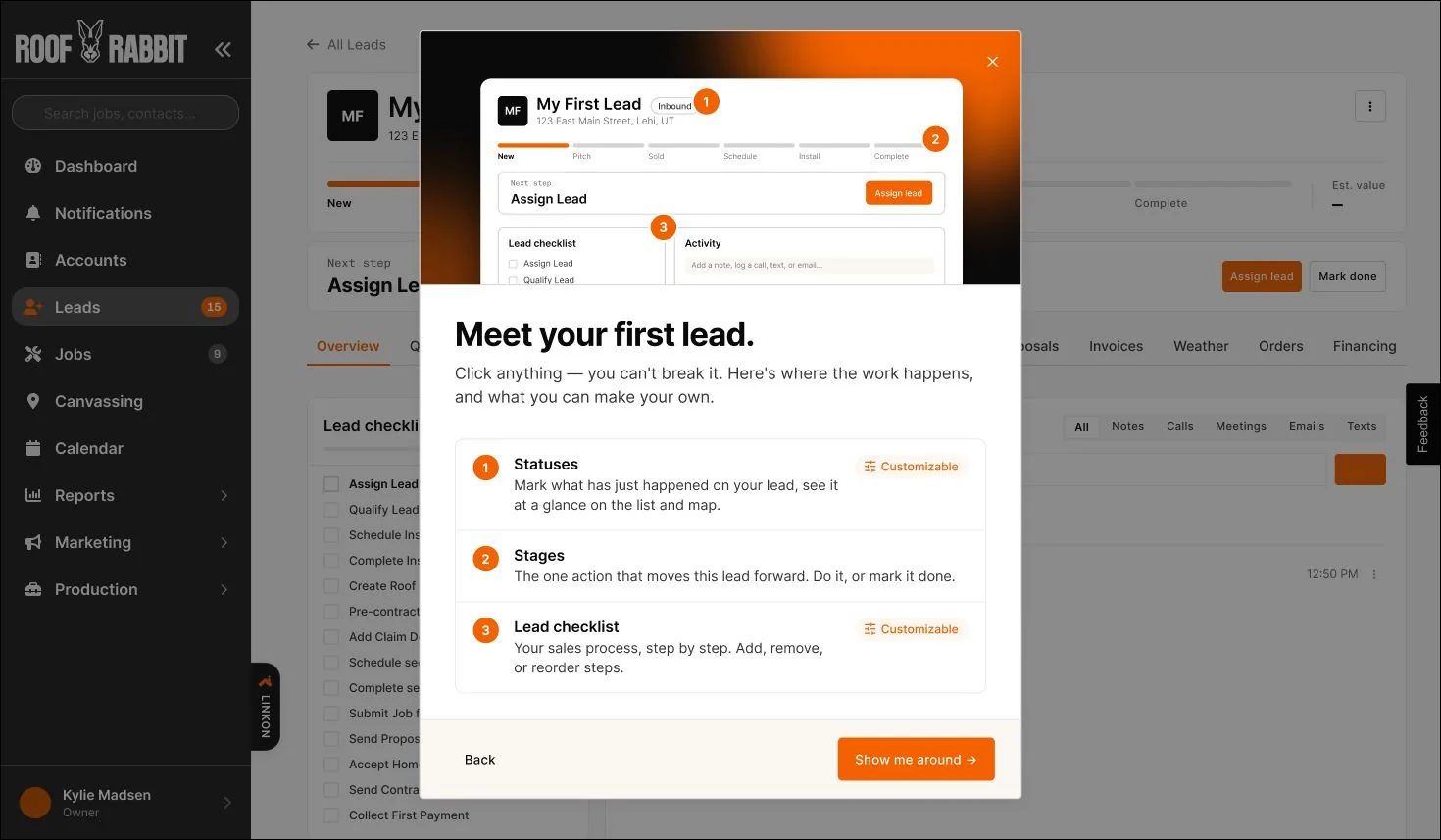
When an engineer came on to own onboarding, we partnered with customer experience and pulled research from an older onboarding project that still applied. I showed him how to count friction points and check his neighbors. Onboarding came out of it: a shorter signup, guided setup, and tours of a real lead, a job, and settings.
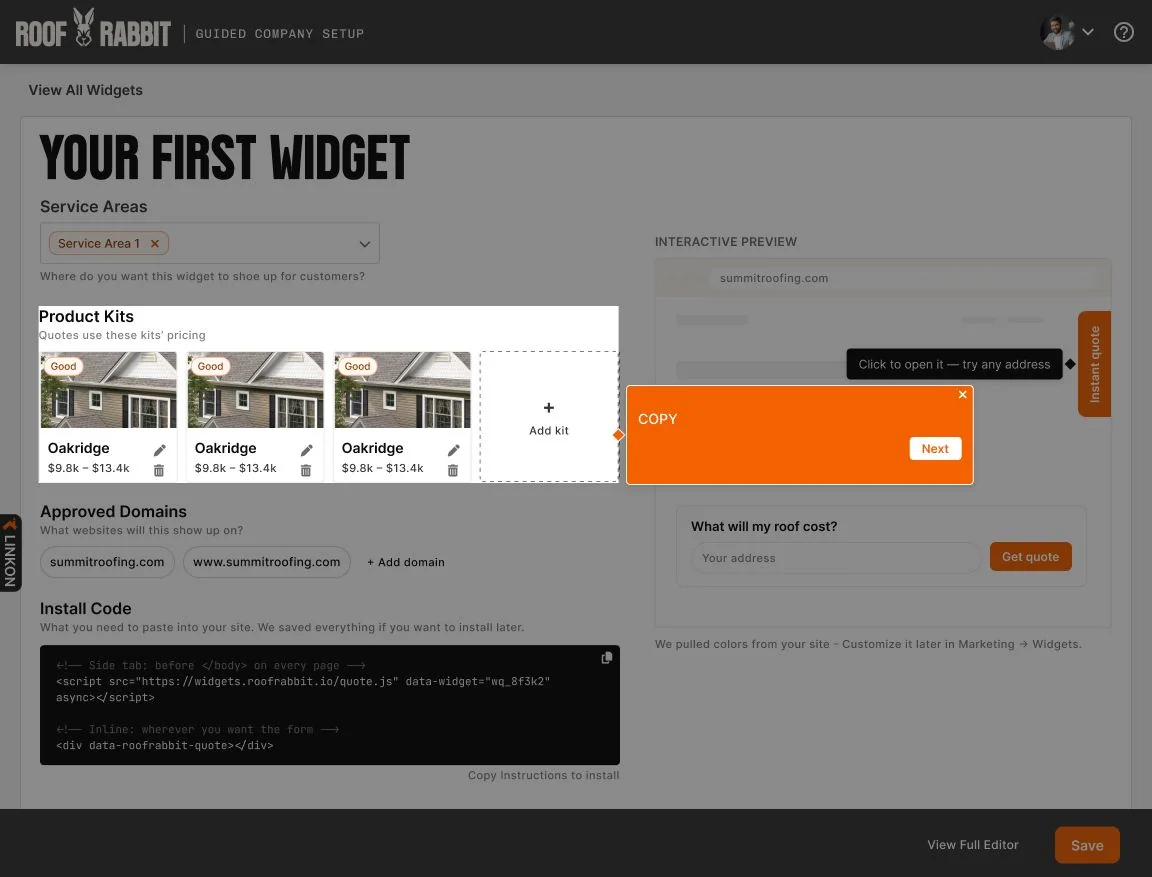
This was never about being the authority on everything (hi, burnout!). It was about setting up anyone who builds, a person or an agent, to build it right.
A credit card before launch.
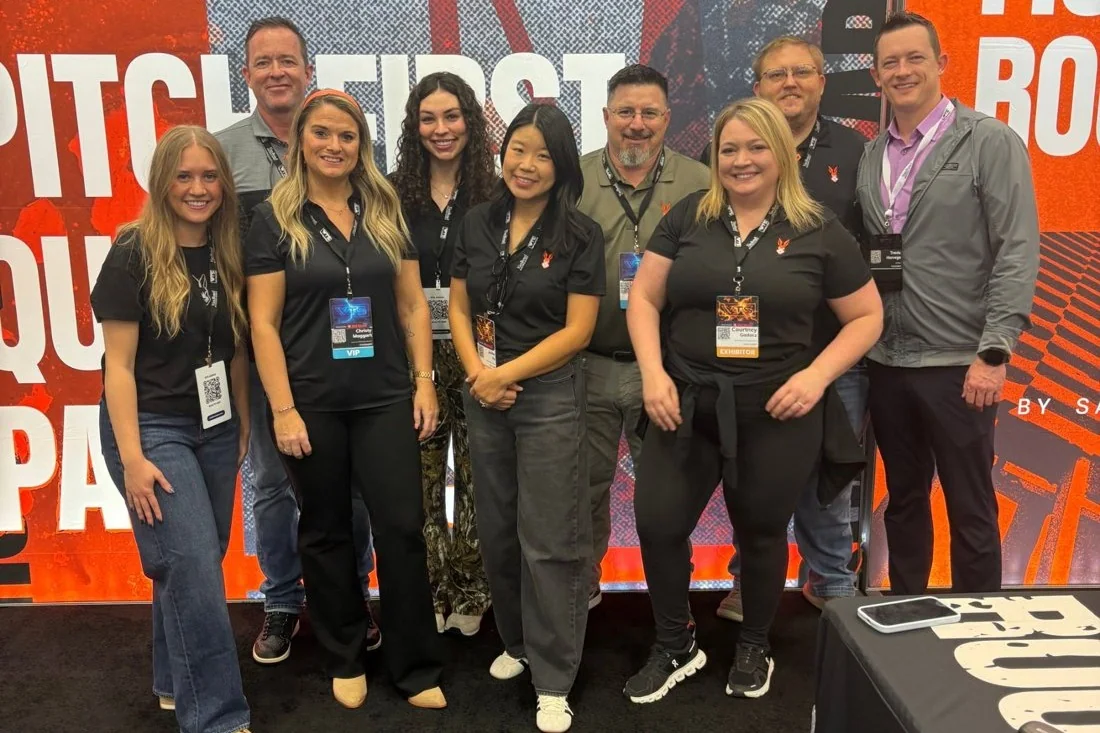
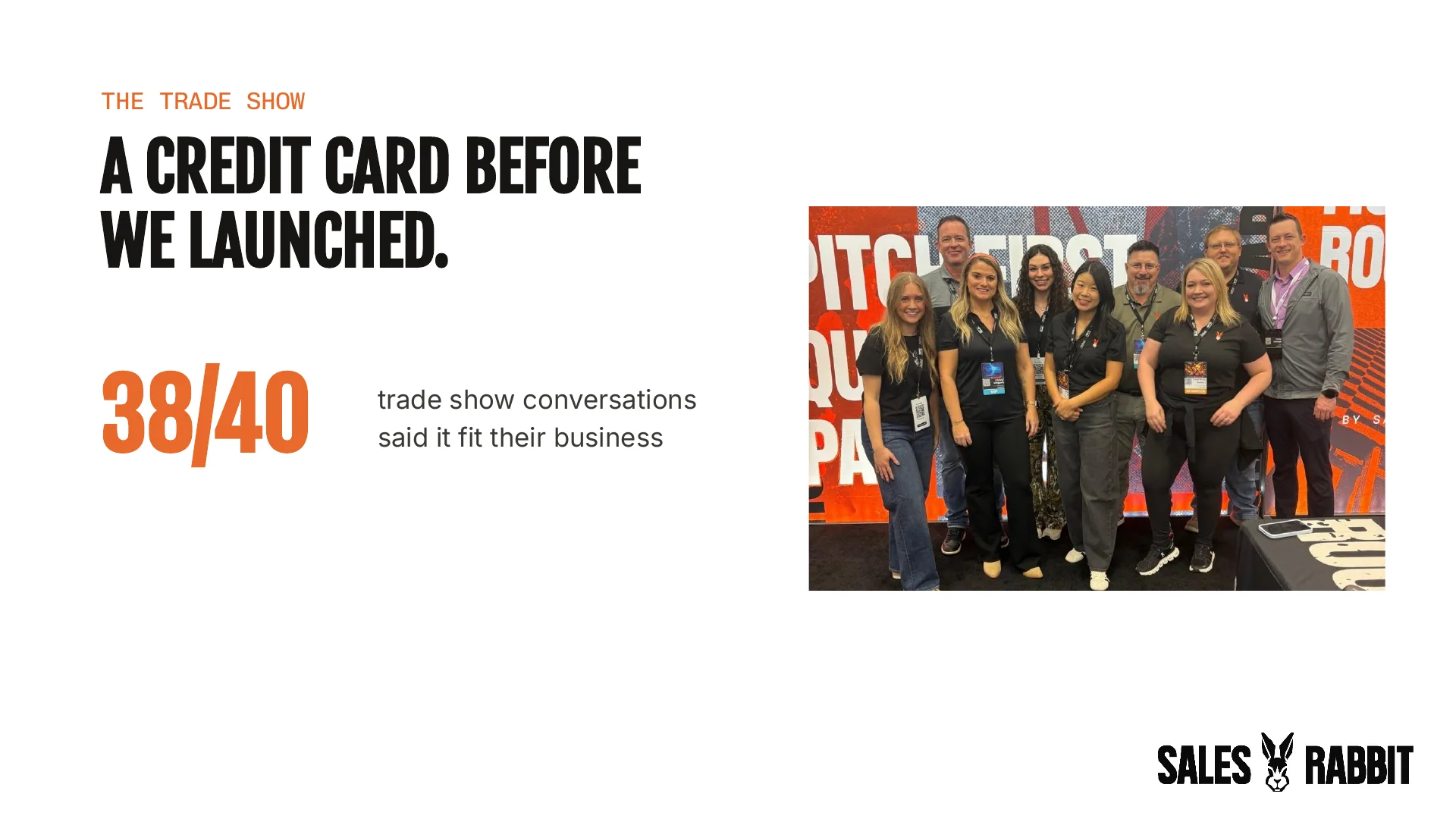
At the trade show, contractors kept asking, “But can it do this?” And it could. One grumpy roofer spent the demo trying to throw off my “sales pitch,” not knowing I was the product designer. By the end he reached into his pocket and handed us his credit card, before we had even launched.
I had 40 conversations at that booth, and only 2 people said it wasn’t for them. That’s 38 of 40 roofers telling us it fit their business.
The steps that stalled jobs in the legacy app, like estimates, documents and orders, were the same ones our design partners called out as reasons to switch. 7 companies signed on as design partners, and a major deal closed the day sales was allowed to sell it.
What changed.
Before July, I didn’t push code, and I didn’t believe a designer could be as valuable working in it. I was wrong. We’re more valuable than ever.
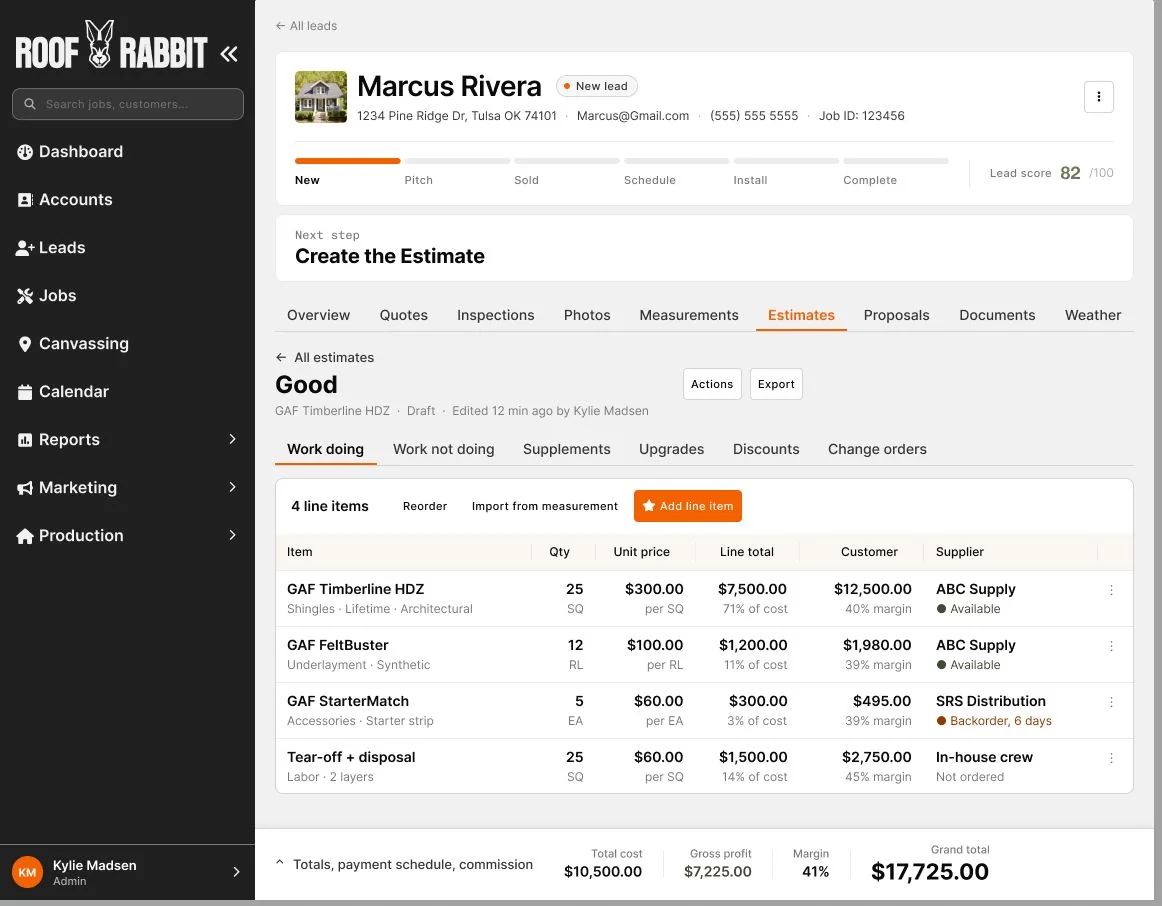
What didn’t change is the part of the craft that matters. I will never skip research or validation, and I refuse to wait months to deliver user value. I collaborate more closely now, and everything moves faster. It’s still extraordinary solutions through an intentional process.